Made with AI
Remove objects from photos with AI: Paint over.Gone.
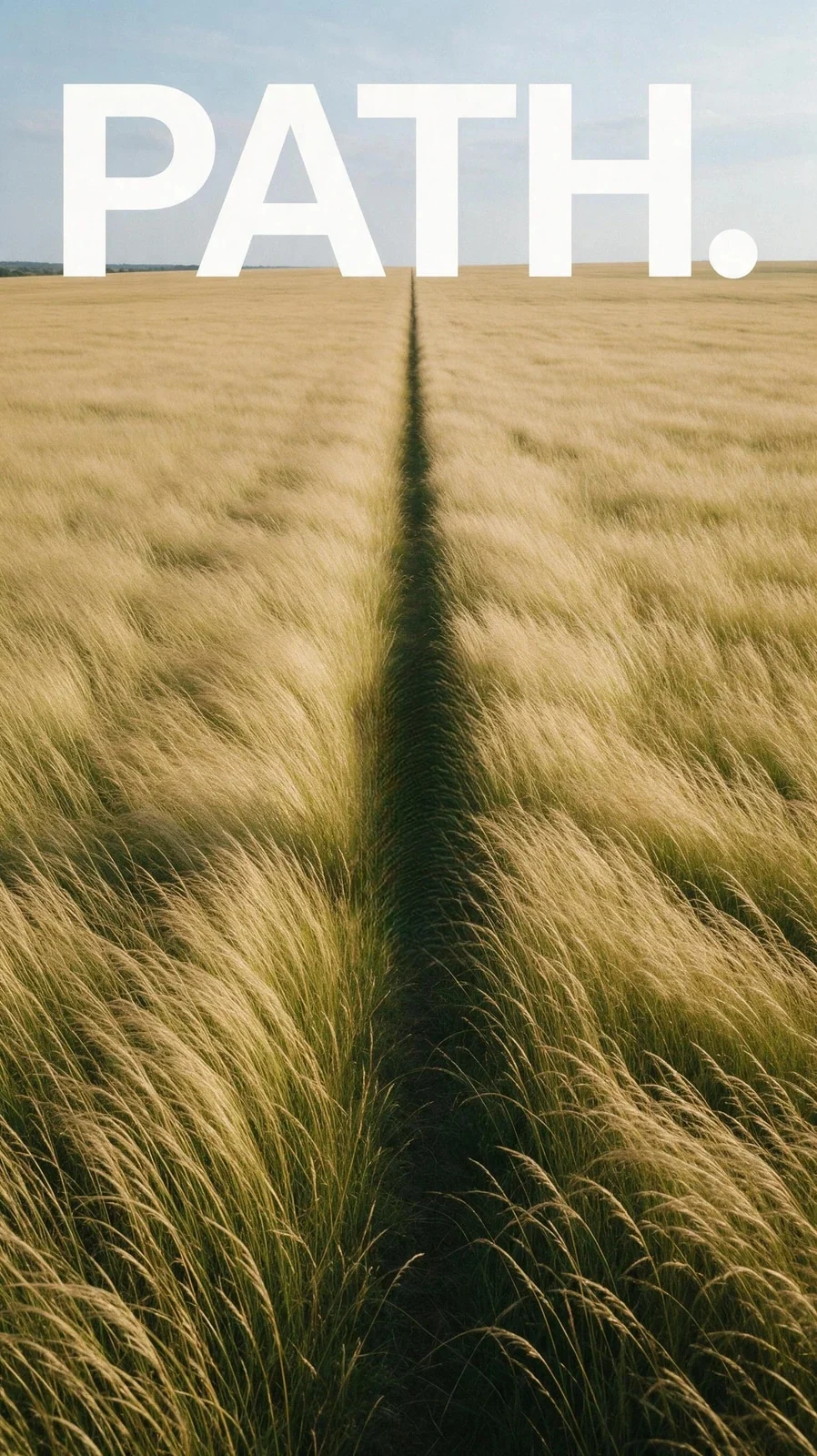
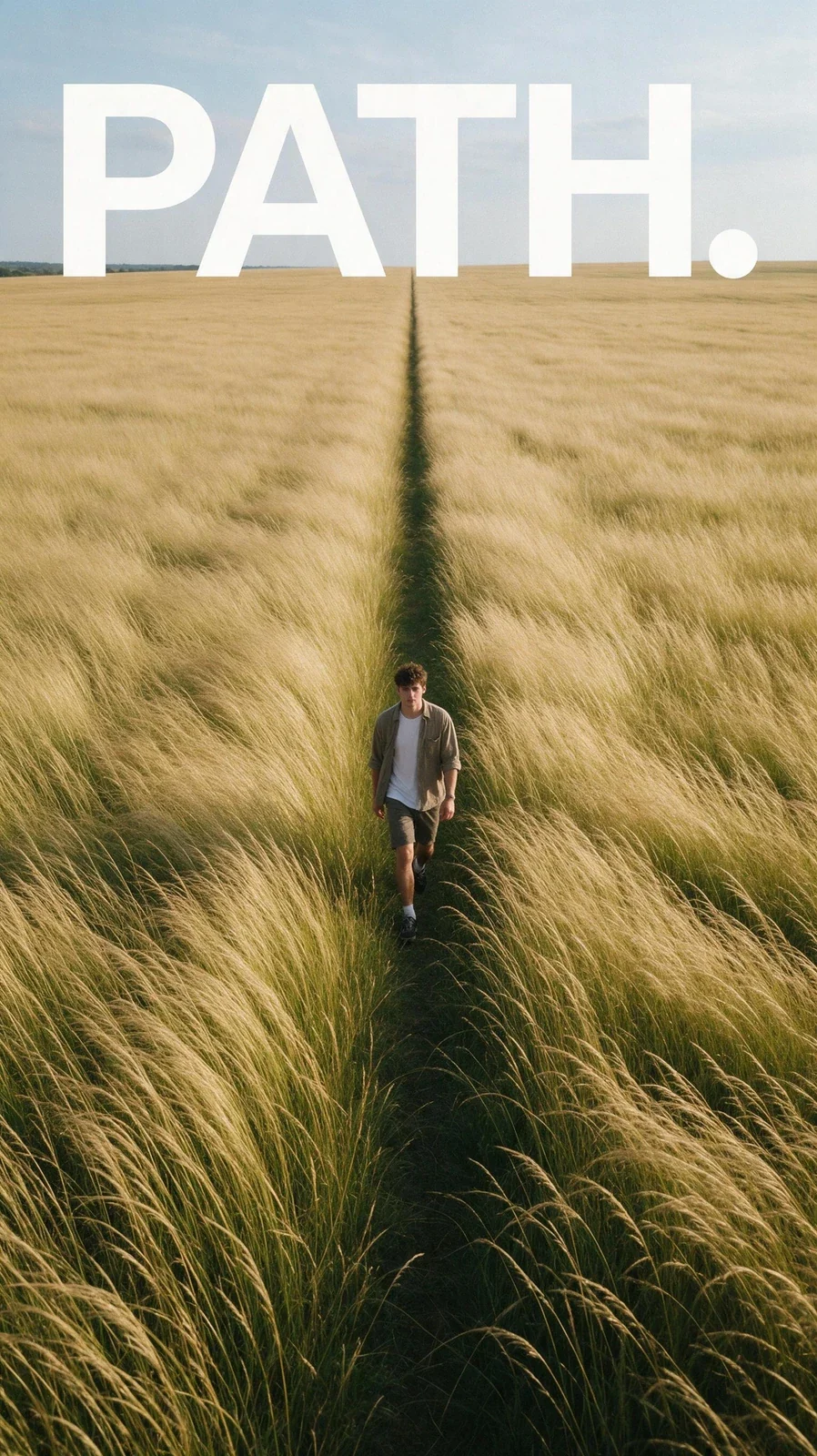
A person in the background, a cable, a sign: paint over it and Tevyon fills the spot with what would lie behind it. The rest of the image stays exactly as it is.
- 1 credit
- per image
- Brush
- you mark
- under 20 s
- usually done
How it works
Upload a photo
A photo or a result from the Studio, up to 10 MB.
Mark the spot
Paint over what should go with the brush, shadow included.
Check and download
The background grows into the gap. If something remains, mark it again in the result.
What you need it for
Frequently asked questions
What can be removed well?
Small and medium things on a calm background: people in the distance, cables, signs, stains. The larger the area, the softer it gets.
Does the shadow disappear too?
Only if you mark it as well. Otherwise a long shadow stays on the ground, belonging to nothing.
Is the whole image generated again?
No. Only the marked spot changes, everything else stays as it is.
Can I remove objects for free?
You get 300 credits to start, no card needed, and can try it with those. After that it costs 1 credit per image. Credits come as a pack from CHF 10 for 1,000 credits or with a plan from CHF 18 a month for 2,000 credits. Credits from packs never expire.
What happens if an image fails?
When you start, the credits are reserved and only charged once the image is done. If the job fails or moderation blocks the result, you get them back in full.
More tools
All of them run on the same account and the same balance. The full list is under Tools.
300 credits to start
Sign in with a code sent to your email, no password and no card. Credits come as a pack from CHF 10 for 1,000 credits or with a plan from CHF 18 a month for 2,000 credits. Credits from packs never expire.