Extend an image with AI: One key visual. Every format.
Your image needs to go into the story, the feed and the banner? Tevyon leaves it as it is and paints the missing edge as more of the same scene. Nothing is cropped, product and type stay unchanged.
- per format, with a plan
- 24 credits
- Formats
- 6
- Resolution
- 2K
- Formats
- 9:16 · 4:5 · 1:1 · 16:9 · 2:3 · 21:9
- Your image
- stays unchanged
- Resolution
- 2K
- Wish
- up to 300 characters
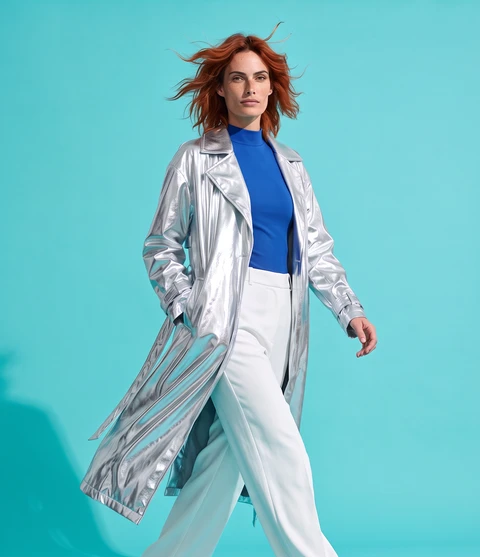
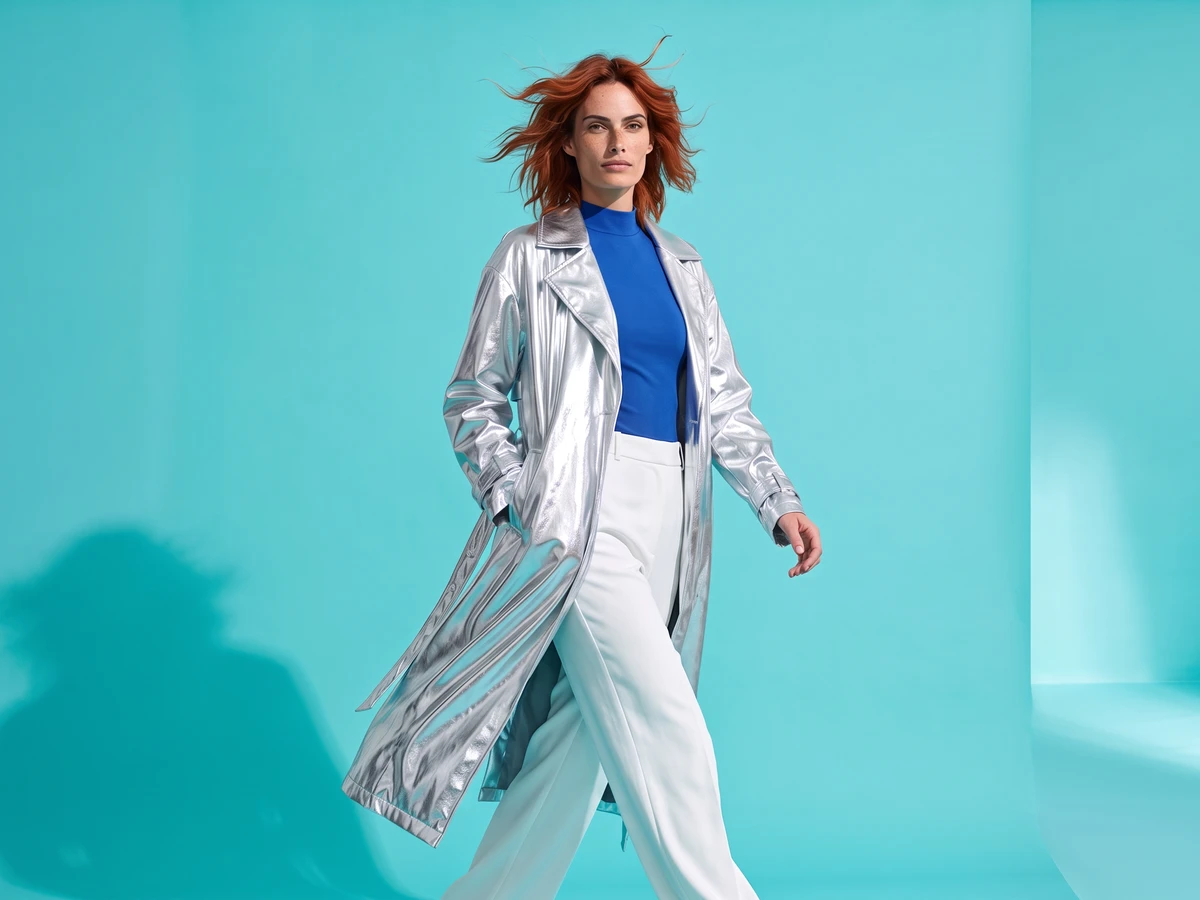
- 1 Upload the key visualAn ad, a product photo or a poster, from your account or your own.↗
- 2 Tap the formatsOne or several at once: each becomes an image of its own. If you like, say what the new edge should show.↗
- 3 Download every formatEach image then sits in your assets, ready for story, feed, YouTube and web.↗
What you need it for
- Campaigns
- One motif for every channel, without designing each one again.
- Social
- A landscape image becomes a story, without bars at the top and bottom.
- Web and banners
- A portrait image becomes a wide header for a website or a presentation.
Frequently asked questions
Is my image changed?
No. Your image stands unchanged in the middle, Tevyon only paints the new edge. Product, type and faces stay as they were.
Why can't I pick every format?
The image's own format has nothing to paint. And when an image grows more than two and a half times as wide or tall in one step, seams show; then you go through a format in between, such as from 16:9 via 4:5 to 9:16. The studio tells you which one.
Can I decide what the new edge shows?
Yes, in one sentence up to 300 characters, such as “more sky at the top, the wooden table at the bottom”. Without a wish, the scene simply carries on.
Can I extend images for free?
Formats is one of the tools that start with a running plan. A plan starts at CHF 18 a month for 2,000 credits and can be cancelled monthly. Formats costs 24 credits per format. With the 200 credits to start, no card needed, you try the models and the basic tools.
What happens if an image fails?
When you start, the credits are reserved and only charged once the image is done. If the job fails or moderation blocks the result, you get them back in full.
More tools
All of them run on the same account and the same balance. The full list is under Tools.
Extend the image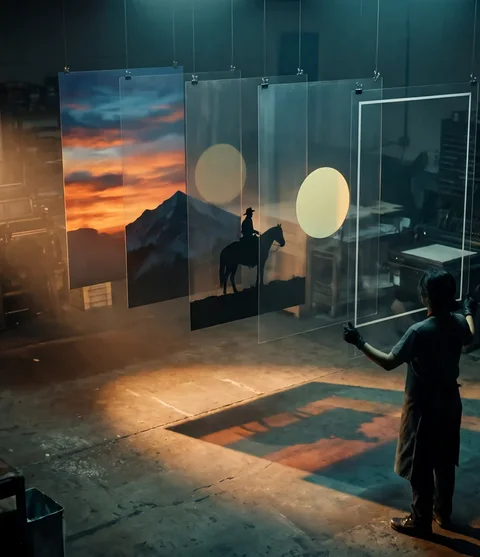 Split into layersA finished image. Back in layers.from 22 credits · with a plan
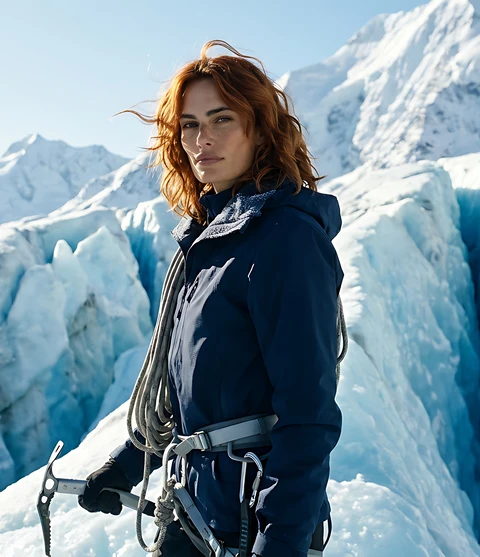 Upscale imageSmall image. Sharp and large.from 1 credit
 AI product photosOne product. Every scene.21 credits
- All tools ↗Image, video and social
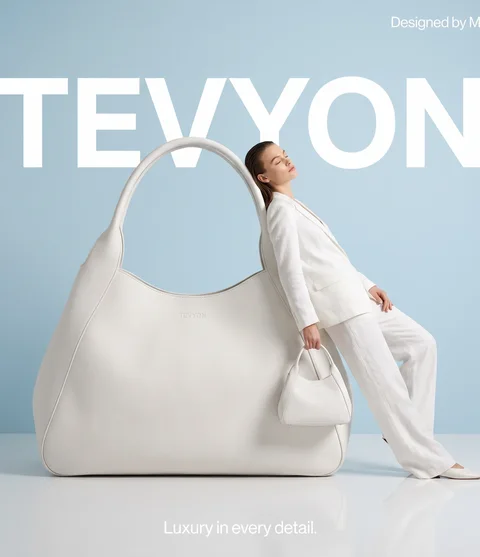
We made the pictures and clips on this page ourselves with Tevyon's tools, using AI.