Split an image into layers with AI: A finished image. Back in layers.
Upload a poster, an ad or a product image, and Tevyon takes it apart: the base image and every part as its own PNG with transparency, lettering as layers of their own. That way you change a text or move a product without making the image again.
- per image, with a plan
- from 22 credits
- Layers up to
- 10
- per layer
- PNG
- Layers
- up to 5 or up to 10
- Base image
- without the layers
- Files
- PNG with transparency
- Wish
- up to 300 characters
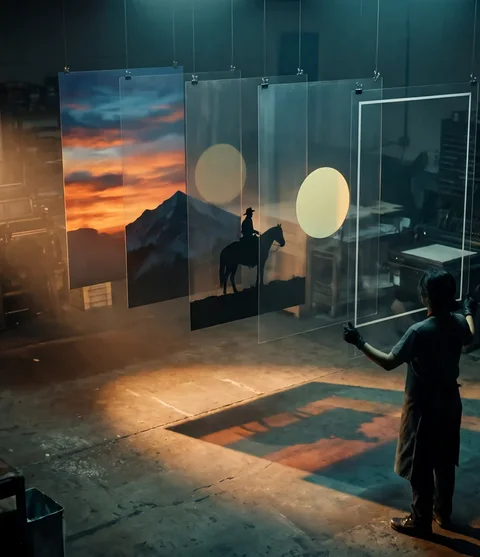
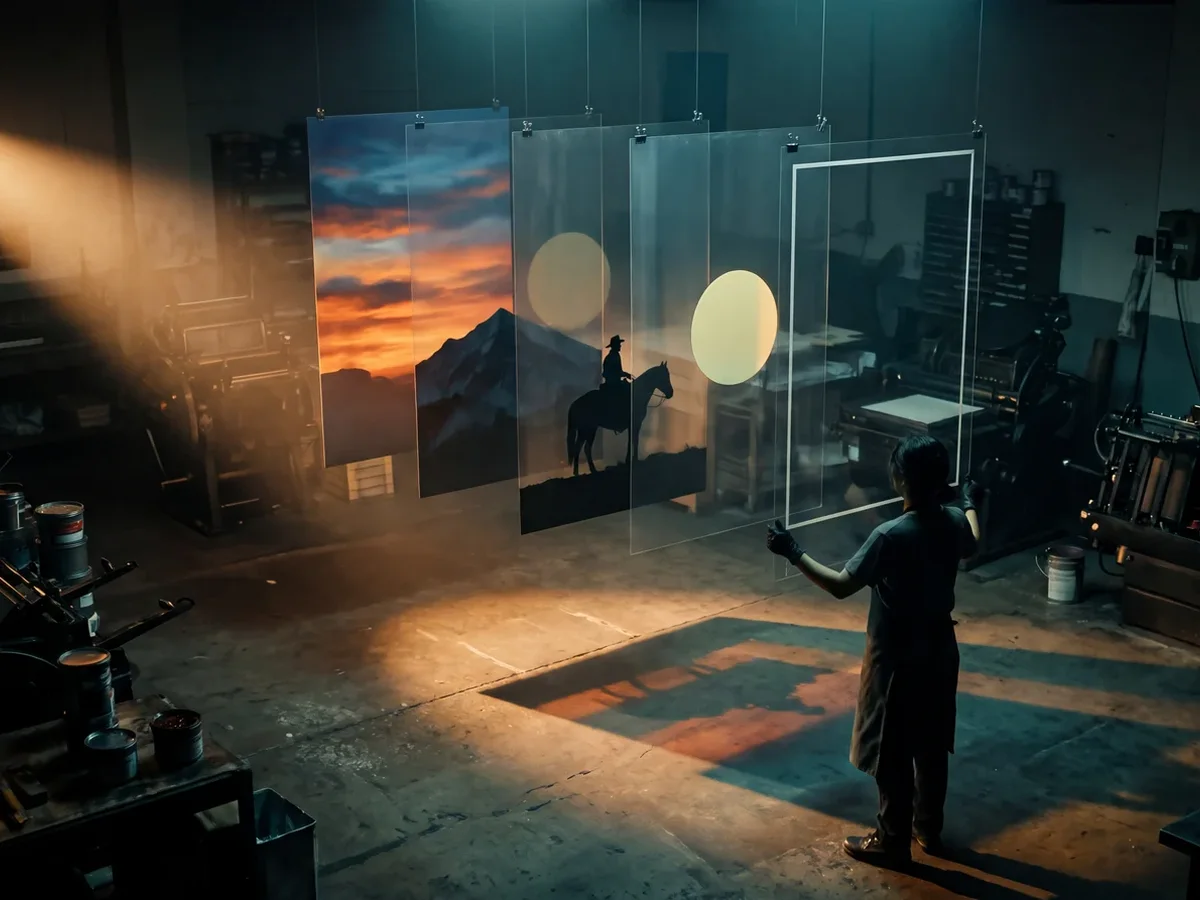
- 1 Upload an imageAn image of your own with clear parts: a poster, an ad, products with lettering.↗
- 2 Choose the layersUp to 5 or up to 10 layers. If you like, say in one sentence which parts should become a layer of their own.↗
- 3 Download the layersThe base image and every layer on its own as a PNG, ready for Photoshop, Figma or Canva.↗
What you need it for
- Change texts
- Swap the headline or the price, the motif stays.
- Variants
- Rebuild a key visual for new formats and languages.
- Animation
- Move single layers, for banners and Reels.
Frequently asked questions
Do I get a PSD file?
No, you get every layer as its own PNG with transparency, plus the base image. Stacked in Photoshop, Figma or Canva, they make up your image again.
Why do fewer layers come back sometimes?
The model makes as many layers as it finds clear parts in the image, at most as many as chosen. The price is for the chosen maximum, so “up to 5” is enough for most images.
Can I decide what becomes a layer?
Yes. Write in one sentence which parts you need on their own, such as “every product and every lettering on its own”. Without a wish, the model picks the main parts itself.
Can I split an image into layers for free?
Split into layers is one of the tools that start with a running plan. A plan starts at CHF 18 a month for 2,000 credits and can be cancelled monthly. Split into layers costs from 22 credits per image. With the 200 credits to start, no card needed, you try the models and the basic tools.
What happens if an image fails?
When you start, the credits are reserved and only charged once the image is done. If the job fails or moderation blocks the result, you get them back in full.
More tools
All of them run on the same account and the same balance. The full list is under Tools.
Split the image Generate as cutoutA description. Already cut out.from 4 credits · with a plan
 Remove backgroundOne photo. No background.1 credit
 Remove objectPaint over. Gone.1 credit
- All tools ↗Image, video and social
We made the pictures and clips on this page ourselves with Tevyon's tools, using AI.