Extend a video with AI: Your clip. Keeps going.
Upload a clip and say in one sentence what happens next. Tevyon continues from its last frame, with the same characters, place and camera, and adds the new part seamlessly.
- per extension, with a plan
- from 107 credits
- more, up to
- 15 s
- Resolution up to
- 720p
- Your clip
- 5 to 29 s, up to 1080p
- New part
- 4 to 15 s
- Resolution
- 480p · 720p
- Sound
- if you like


- 1 Upload a clip5 to 29 seconds long, up to 1080p. A result from the studio works just as well.↗
- 2 Say what happensOne sentence is enough, such as “she turns around and laughs”. Without a wish, the scene simply runs on.↗
- 3 Choose the length and start4 to 15 seconds more, in 480p or 720p, with or without sound. The price is fixed before you start.↗
What you need it for
- Clips that are too short
- A moment that ends too early gets its ending.
- Longer spots
- One clip becomes a small scene with a beginning and an end.
- Loops and transitions
- The motion leads to the next shot, without a visible cut.
Frequently asked questions
Can you see where the new part begins?
Usually not: Tevyon starts at the last frame and keeps characters, place, camera and look. The finished clip holds your original and the new part in one file.
How long may my clip be?
5 to 29 seconds, up to 1080p. For a longer clip, shorten it first or extend a piece of it.
What does the price depend on?
On the length of the new part, the resolution and the length of your clip, which the model reads along. The studio shows the price before you start.
Can I extend a video for free?
Extend video is one of the tools that start with a running plan. A plan starts at CHF 18 a month for 2,000 credits and can be cancelled monthly. Extend video costs from 107 credits per extension. With the 200 credits to start, no card needed, you try the models and the basic tools.
What happens if a video fails?
When you start, the credits are reserved and only charged once the video is done. If the job fails or moderation blocks the result, you get them back in full.
More tools
All of them run on the same account and the same balance. The full list is under Tools.
Extend video Upscale videoYour clip. Up to 4K.from 13 credits · with a plan
 Image to videoOne photo. A clip.from 5 credits
 AI short filmEight scenes. One film.from 91 credits · with a plan
- All tools ↗Image, video and social
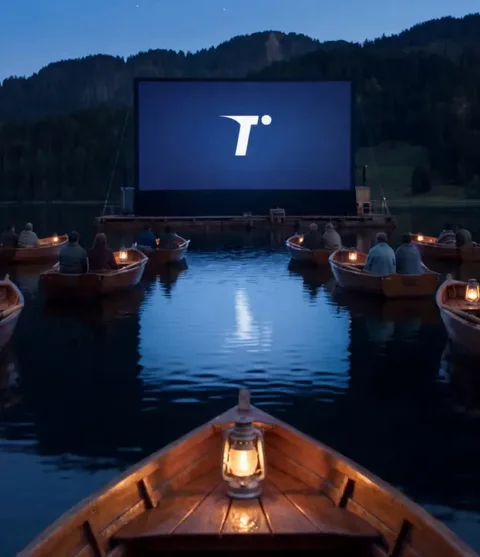
We made the pictures and clips on this page ourselves with Tevyon's tools, using AI.