Transparent PNG generator with AI: A description. Already cut out.
No photo yet? Describe the object, and Tevyon creates it on a transparent ground right away: a product, a sticker, an icon. No cutting out afterwards, no edges left from a background.
- per image, with a plan
- from 4 credits
- with transparency
- PNG
- Resolution up to
- 2K


- 1 Describe the objectOne sentence is enough, such as “a sage-green ceramic mug with a printed leaf”. Tevyon sets the transparent ground itself.↗
- 2 Choose format and sizeEight formats from square to 9:16, in 1.5K or 2K. The price is fixed before you start.↗
- 3 Put it to useThe PNG then sits in your assets, ready for a website, shop or presentation.↗
What you need it for
- Shop and mockups
- Put a product that doesn't exist yet on any background.
- Stickers and icons
- Your own motifs for chats, presentations and apps.
- Layouts
- Objects for ads and posters, without a white box.
Frequently asked questions
What is the difference from “Remove background”?
“Remove background” takes your photo and separates the subject. “Generate as cutout” needs no photo: it turns a description into a new object that is created without a background in the first place.
How large is the image?
In 1.5K or 2K, as you choose, in eight formats: 1:1, 4:5, 3:4, 2:3, 3:2, 4:3, 16:9 and 9:16.
Can I cut out my own product?
That is what “Remove background” is for: upload a photo, download the PNG. “Generate as cutout” invents a new object and copies no existing one.
Can I create transparent PNGs for free?
Generate as cutout is one of the tools that start with a running plan. A plan starts at CHF 18 a month for 2,000 credits and can be cancelled monthly. Generate as cutout costs from 4 credits per image. With the 200 credits to start, no card needed, you try the models and the basic tools.
What happens if an image fails?
When you start, the credits are reserved and only charged once the image is done. If the job fails or moderation blocks the result, you get them back in full.
More tools
All of them run on the same account and the same balance. The full list is under Tools.
Generate as cutout Remove backgroundOne photo. No background.1 credit
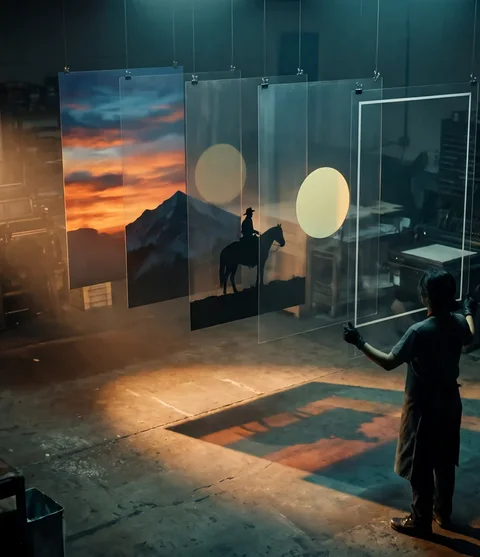 Split into layersA finished image. Back in layers.from 22 credits · with a plan
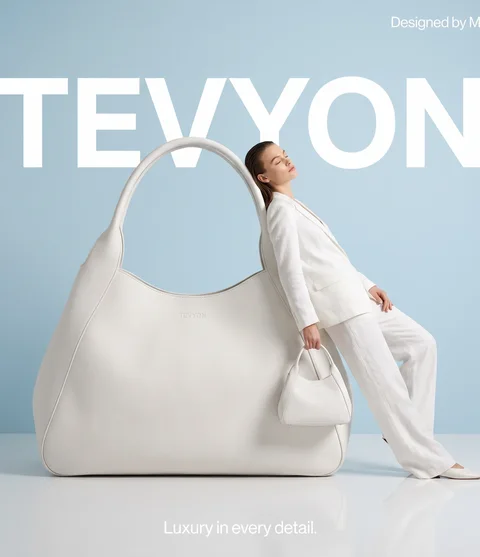 AI product photosOne product. Every scene.21 credits
- All tools ↗Image, video and social
We made the pictures and clips on this page ourselves with Tevyon's tools, using AI.