
Edit text in an image with AI: A new price. The same image.
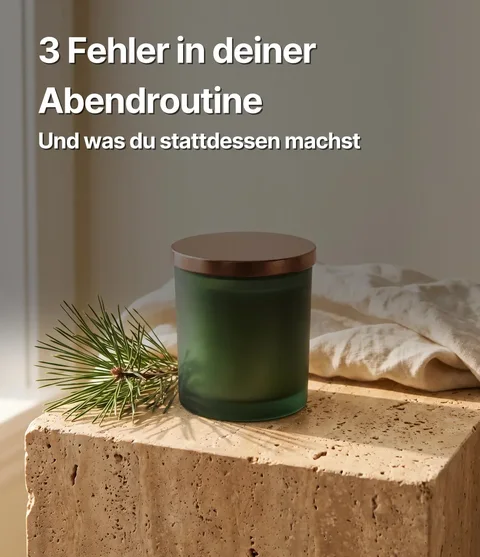
The price is out of date, the day has passed, the headline should be in German: upload the image and write what it should say. Tevyon changes only that spot, in the same lettering, and leaves everything else in the image as it was.
- per image, with a plan
- 8 credits
- is enough
- 1 line
- usually done
- under 30 s
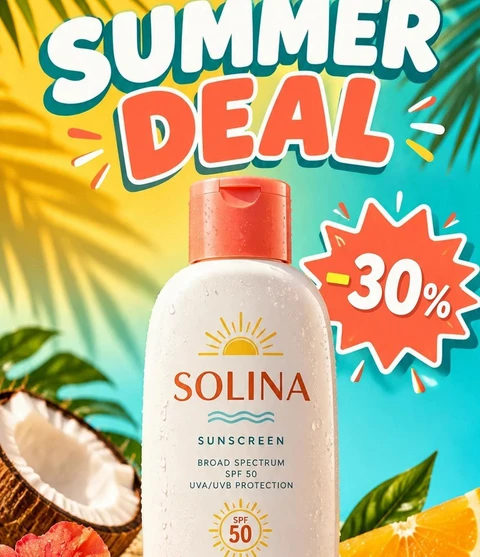
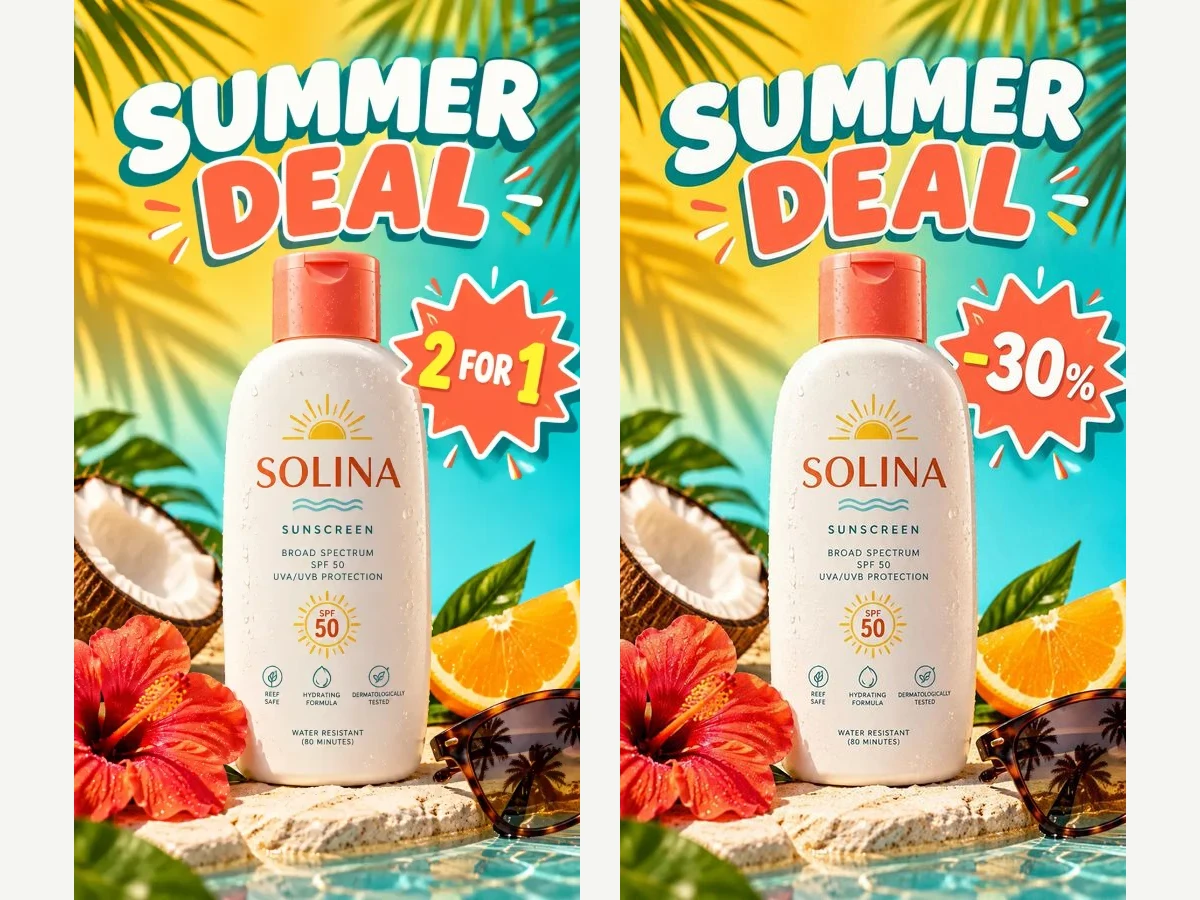
- 1 Upload an imageAn ad, a poster, a price tag or a package, as your own image or a result from the studio.↗
- 2 Write the changeOne line such as “Change 49.– to 39.–”. If the same text stands in the image more than once, say which spot you mean.↗
- 3 Compare and downloadThe result has your image's format. Put it next to the original: only the text has changed.↗
What you need it for
- Prices and offers
- “2 for 1” becomes “−30 %”, the summer price becomes the winter price, without a new ad.
- Dates
- A new date on the poster when the event has moved.
- Languages
- The same ad with a German, an English and a French headline.
Frequently asked questions
Does the lettering stay the same?
Yes, as closely as the model matches it: the typeface, colour, size and place of the text stay. With very playful lettering a letter can differ slightly; a second try helps then.
How large is the result?
It comes back in 2K in your image's format. A larger image gets smaller; for print at full size, upscale it afterwards.
Can I change a logo or a product too?
This tool is not made for that; it changes words and numbers. For anything else use an image model with your image as a reference, or “Remove object”.
Can I edit text in an image for free?
Edit text is one of the tools that start with a running plan. A plan starts at CHF 18 a month for 2,000 credits and can be cancelled monthly. Edit text costs 8 credits per image. With the 200 credits to start, no card needed, you try the models and the basic tools.
What happens if an image fails?
When you start, the credits are reserved and only charged once the image is done. If the job fails or moderation blocks the result, you get them back in full.
More tools
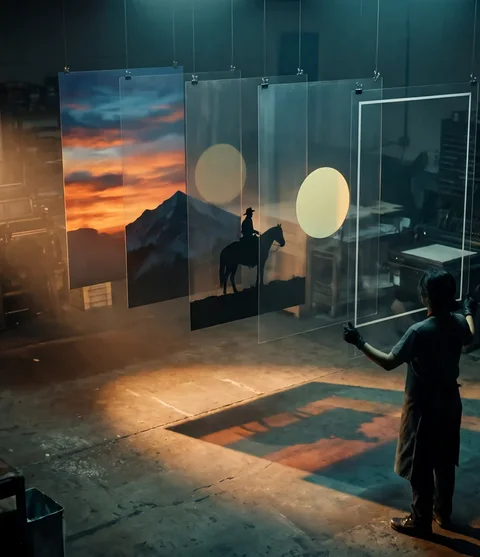 Split into layersA finished image. Back in layers.from 22 credits · with a plan
 Remove objectPaint over. Gone.1 credit
 FormatsOne key visual. Every format.24 credits · with a plan
 Generate as cutoutA description. Already cut out.from 4 credits · with a plan
 CarouselYour pictures. Finished slides.1 credit · with a plan
- All tools ↗Image, video and social